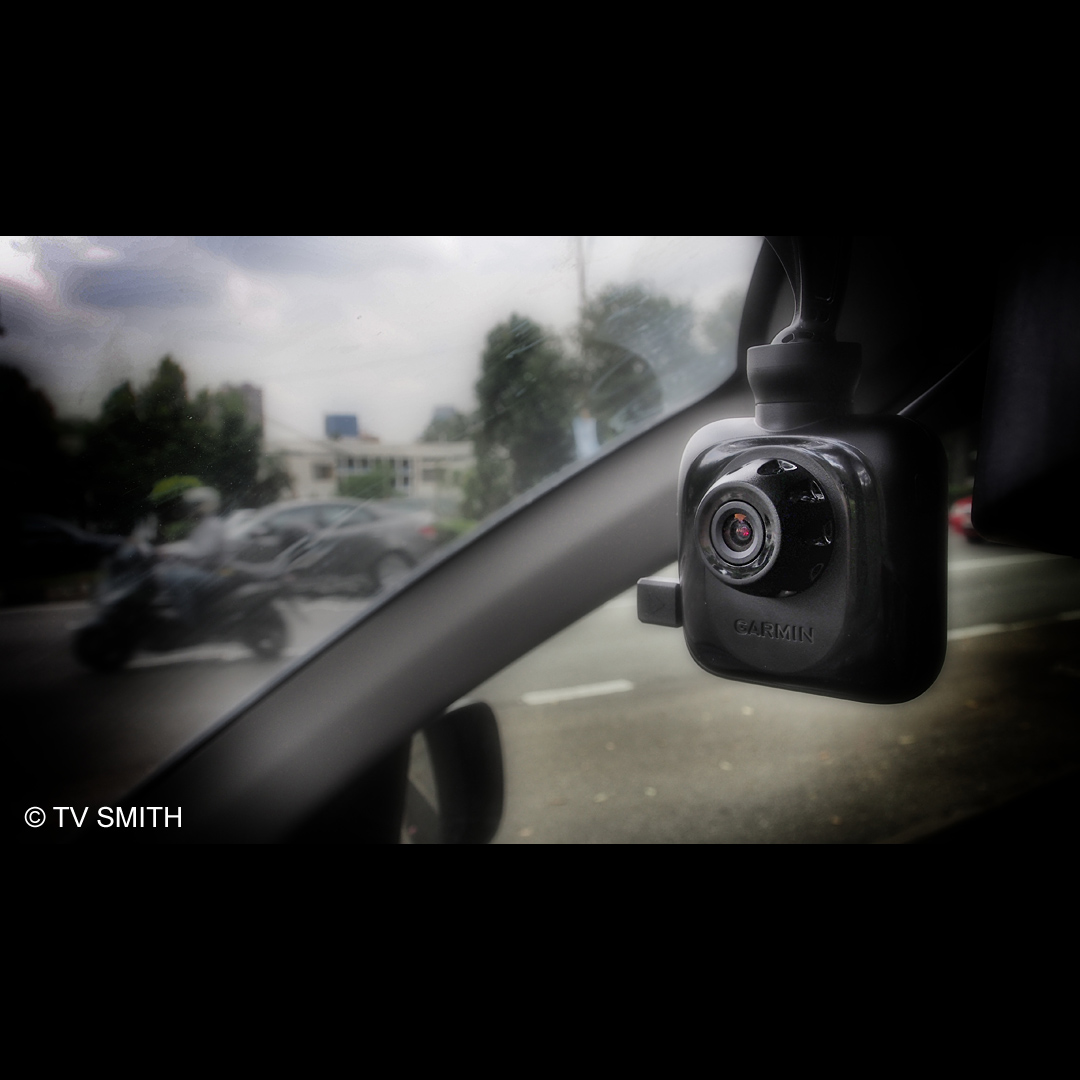
After the Russian meteor incident, everybody wants to install a dashcam. Garmin is quick to get to the market its own unique version.
The new Garmin GDR-35 is a Full High Definition (1920 x 1080 30fps Full HD) standalone dash cam. It records to a Micro SD card in endless loop, if so configured. What is special about the GDR-35 is its surprisingly good video quality.
What makes it stand out from the rest is its ability to record the built-in GPS receiver’s coordinates, time and tracks into the metadata of the AVI files. When played back on Garmin’s proprietary PC Tool software, you can see on Google Map where the car was travelling through. Even without the software, the coordinates, speed and time are superimposed on the bottom left of the video as evidence or as time/place logging.
Garmin cleverly made use of gyro (gravity) sensors that detect a collision or any harsh movement on the vehicle and protects the files automatically. That means in the event of an accident, vital files are not erased.
The lens is f2.0 and performs quite well at night, too. The GDR-35 can also connect to an optional rear view camera and record both views in split 720p mode. In Full HD mode, I get about 6 to 7 hours of recording on a Sandisk 32 gig Class 10 Micro SD card.
Pros:
Good video quality and specs for the price.
Gyro-based file protect system.
Wide angle view of 110 degree (equivalent to a full frame 15mm lens).
Easy, fuss-free, auto start and background recording for non-technical users.
Many configurable options for advanced users.
LCD screen can be set to black out while recording goes on.
On-screen GPS signal strength meter.
EV (exposure value) adjustment (added after new firmware/software update).
Very compact design, convenient to store when not in use.
Built-in battery operates for about an hour.
Easy to update firmware via Micro SD card.
Very long DC cable included.
Cons:
White balance tends to jump easily when influenced by sudden colour change.
DC power socket should be on upper part of camera for neater mounting.
Each file is limited to 3min 50 secs long which means you end up with many files in one day of driving. (Files joined seamlessly though)
H264 compression files are tough to edit even on a 8 core i7 / 16 gig ram SSD system.
Even normally tolerant Edius Editing System needed to convert to Canopus HQ before it is manageable on the timeline.
The native files appear like anamorphic video looking squished instead of true 16:9 ratio. (Edius fixed that easily though)
Windscreen suction mount arm can be better designed.
PC Tool’s map tracking playback not as smooth as previous GPS/software combo.
No GPS navigation feature available but then is more of a video camera.
Tiny Micro SD card can fall into crevices in the car when not carefully handled.
Watch this special review / real world tests with Full HD video samples of the camera going from night, day, rain and shine.
Very slight colour and brightness grading with Edius. Sharpness +10 applied to compensate for lossy compression after conversion for YouTube. Opening product shots of mounted Garmin GDR35 filmed with Olympus OM-D. Enjoy the ride!