Note: This post on the E-P5 is spread across 3 pages. Click here to jump to Page 2.
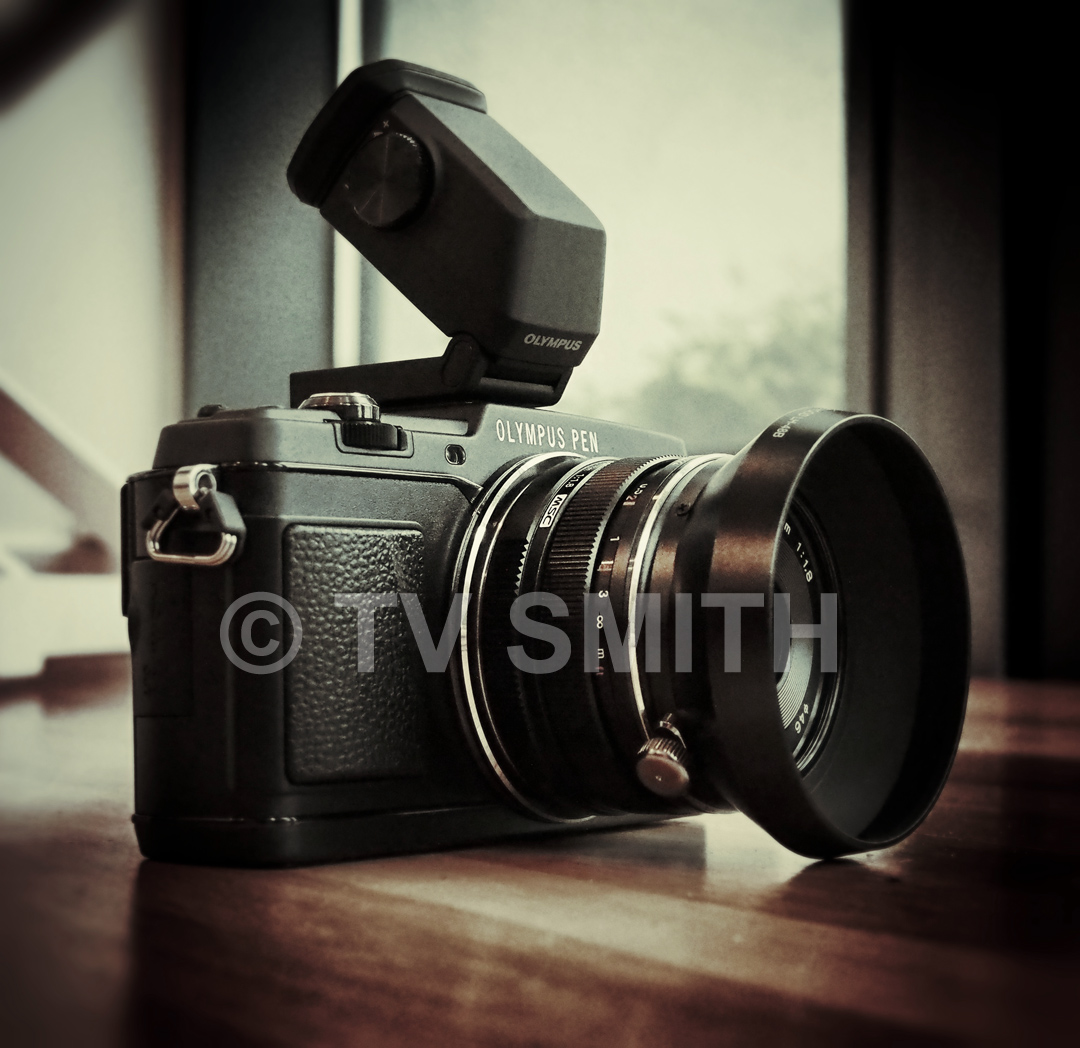
Olympus today unveiled its new flagship PEN m43 camera. The PEN E-P5 is shaped after the original popular PEN series film cameras from the 60s and 70s. Under the hood of the latest digital reincarnation is a powerful slew of features. I won’t go into every aspect of its specification. You can see the specs here on Page 3. I will however highlight some of the features I like when I had a hands-on with it a few weeks ago.

How is it different from the OM-D (EM-5) then? Is the E-P5 even better than the OM-D? Answer here
Some of the notable features:
1) The Wi-Fi link connects with a QR code displayed on the camera’s LCD screen. This should be quicker and less messy than traditional wireless scanning and password pairing method. You download a free Olympus App to your Android or iOS device and scan the QR code to connect.
Note: For straight forward file transfer and sharing, I think the optional accessory Olympus PenPal PP-1 bluetooth device for Android is still quite viable and fast.
2) Wireless tethering with Live View on your phone. Not only that, you can focus with touch AF and trigger touch shutter release remotely, on the screen of your connected phone or tablet. A very useful feature although I suspect most users will be using it in conjunction with self pics. Beats setting the camera on tripod, clicking on self timer and running into position 🙂 Unfortunately remote Live View is available only in Full Auto mode and not in other exposure modes such as Video.
3) 1/8000 sec mechanical shutter means better opportunities to use a fast lens wide open (if needed) here in bright, tropical Malaysia. But don’t throw away your ND filter just yet.
4) Focus peaking as a focussing aid. Although I don’t use manual lenses much, many were clamouring for it.
5) Time lapse / interval shooting programmable function and auto in-camera assembly of jpgs (ala Nikon D800) into an AVI timelapse sequence (1280 x 720 avi).
6) Body is made from high quality textured metal finishing in one-piece wrap with no screws in sight.
7) Interchangeable body grips (that includes a seemingly odd wooden one which should be popular in Japan and USA). Other Olympus-branded leather accessories like straps and cases will also be available.

8) GPS logging in exif data when paired with a smartphone that has its GPS enabled.
9) OM-D’s already legendary 5-axis stabilization is carried over with refinements.
11) High quality optional VF-4 viewfinder with magnification similar to high-end full frame dSLR. It is relatively expensive though. See Price List here (Page 2).
12) A / B Flip Switch for dual control dials means effectively there are 4 dials (that can be programmed).
13) Battery is similar / backwards compatible with EM-5’s BLN-1.
14) A pop-up flash that I can use to trigger a remote Olympus wireless flash while keeping the hotshoe and port free for other accessories.
15) My wish came true; prime lenses from Olympus will be available in black instead of funny silver.
For Prices and More Pics, continue to Page 2. For Specs, go to Page 3.