Google has been naming the various iterations of the Android mobile OS after desserts. There is some method to the madness, though. Each flavour represents an alphabet. So far, we have Cupcake (1.5), Donut (1.6), Éclair (2.1), Froyo (2.2), Gingerbread (3.0) and the future Honeycomb. There’s talk of Ice Cream to follow. Serious 🙂
When I purchased the Samsung Galaxy S last July, it came with Version 2.1. Although the Galaxy is armed with the very fast Hummingbird processor, it felt a bit laggy when too many programs were opened. So, after having sold 10 million Galaxy S phones (in six months), the official update finally lands in Samsung Malaysia.
I upgraded quite by accident. I went over to Samsung Service Plaza in Petaling Jaya to buy the (original) spare battery (RM 116), wall charger (RM 49.80) and USB cable (RM 16.80). I was pleasantly surprised that the prices were very much lower than those quoted by several greedy phone vendors in Plaza Low Yat. I asked about upgrading to a stable version of Froyo and was surprised Samsung was willing, even though I didn’t bring the warranty or have proof of purchase.
The counter person, a Ms Rekha, was very helpful. She even assisted me in removing and inserting the SIM and microSD into a spare Nokia phone of mine. Which wasn’t really necessary as the update was completed in less than 15 minutes. An SMS was automatically sent (to my contact number) when the technician completed the task.
Remember everything on the phone will be wiped off in the process. So, back-up your contacts, messages, data, pics and programs, before hand. Fortunately, I stored all my pics and videos in the external SD. I had also moved all contacts to the cloud (Gmail) and the list was magically restored as soon as I logged-in again.
The professional and efficient service rendered made up for the horrible Kies PC-connecting software that Samsung provides. So, there you go. No more hunting, downloading, wondering if you have the correct version and pulling your hair out. All painless, free and almost instantaneous at Samsung Malaysia.
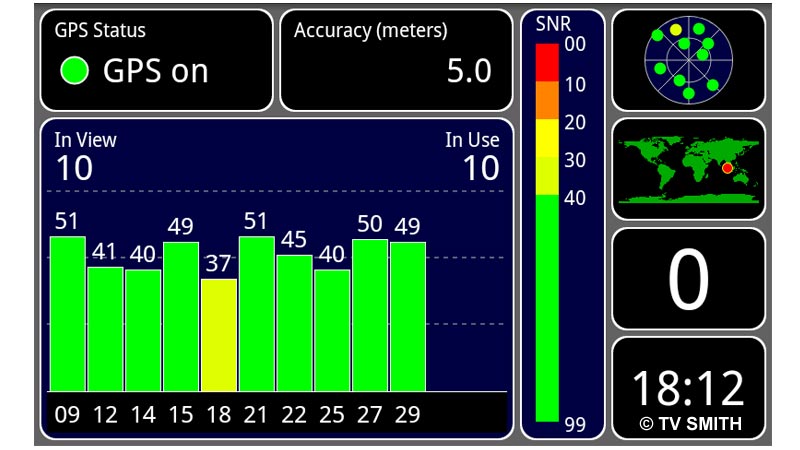
One of the best new Froyo features (for me) is the easy, built-in screen capture function. How to do it? Just hold down the back button and press the home button at the same time. You will hear a camera shutter sound and the image will be saved to a folder in the internal SD. I use SwiFTP to transfer the files to my PC via Filezilla, when both are on the same Wi-Fi network. Totally wireless. The GPS indeed works better now. Getting a lock is faster and accuracy with Google Maps has improved.

There are a number of improvements under the hood. While 2.2 offers quite dramatic performance gains, the Samsung firmware has added a number of subtle tweaks to the interface. There is now an unread message count in the icon, among many other thoughtful little touches (screenshot below).


I never had much luck with the Mobile AP functionality in the previous version. Now the phone can act as a wireless hotspot seamlessly for both my notebook and iPad.

Market (like the Apple’s App Store) gets a better interface (left). The live webcam of the Johor-Singapore Causeway also appeared smoother and loads very fast with Froyo.
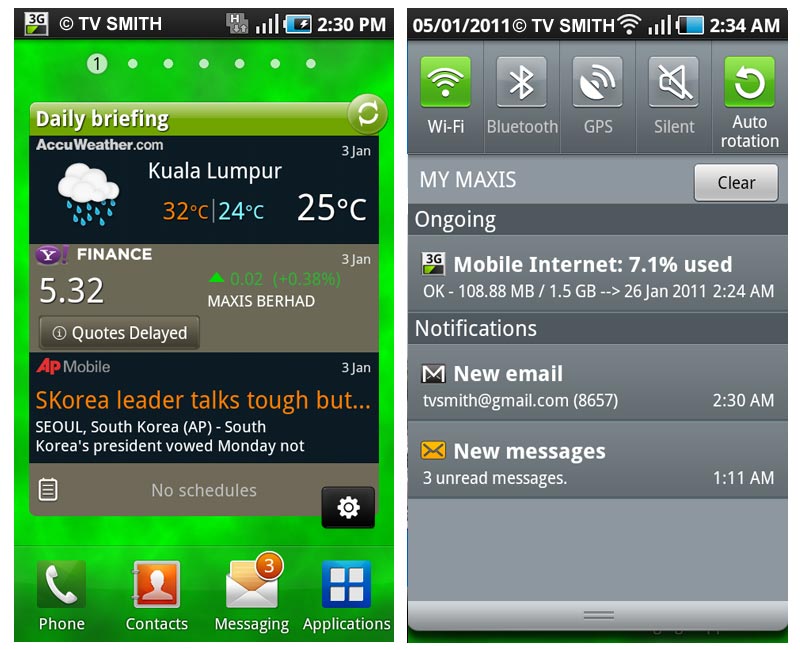
Samsung Daily Briefing widget (left) & the new Drop-Down Notification Bar. Auto-rotation lock added in new version.
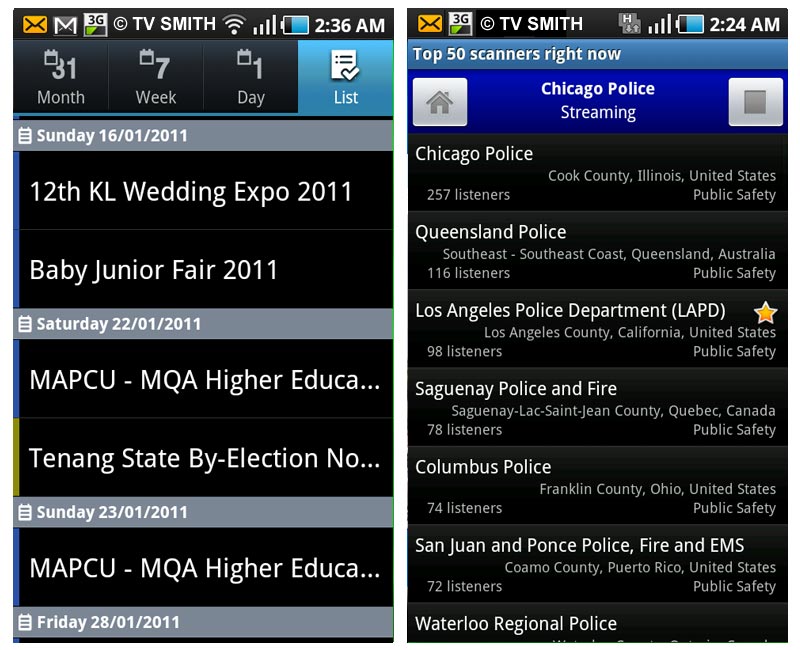
Live Feeds: MyCen Events Calendar instant updates (left) and listening to an exciting, ongoing, real-life ‘cops & robbers’ pursuit, live via police radio scanner app.
How To Go: MyCen Map of Samsung Customer Service Plaza in Petaling Jaya